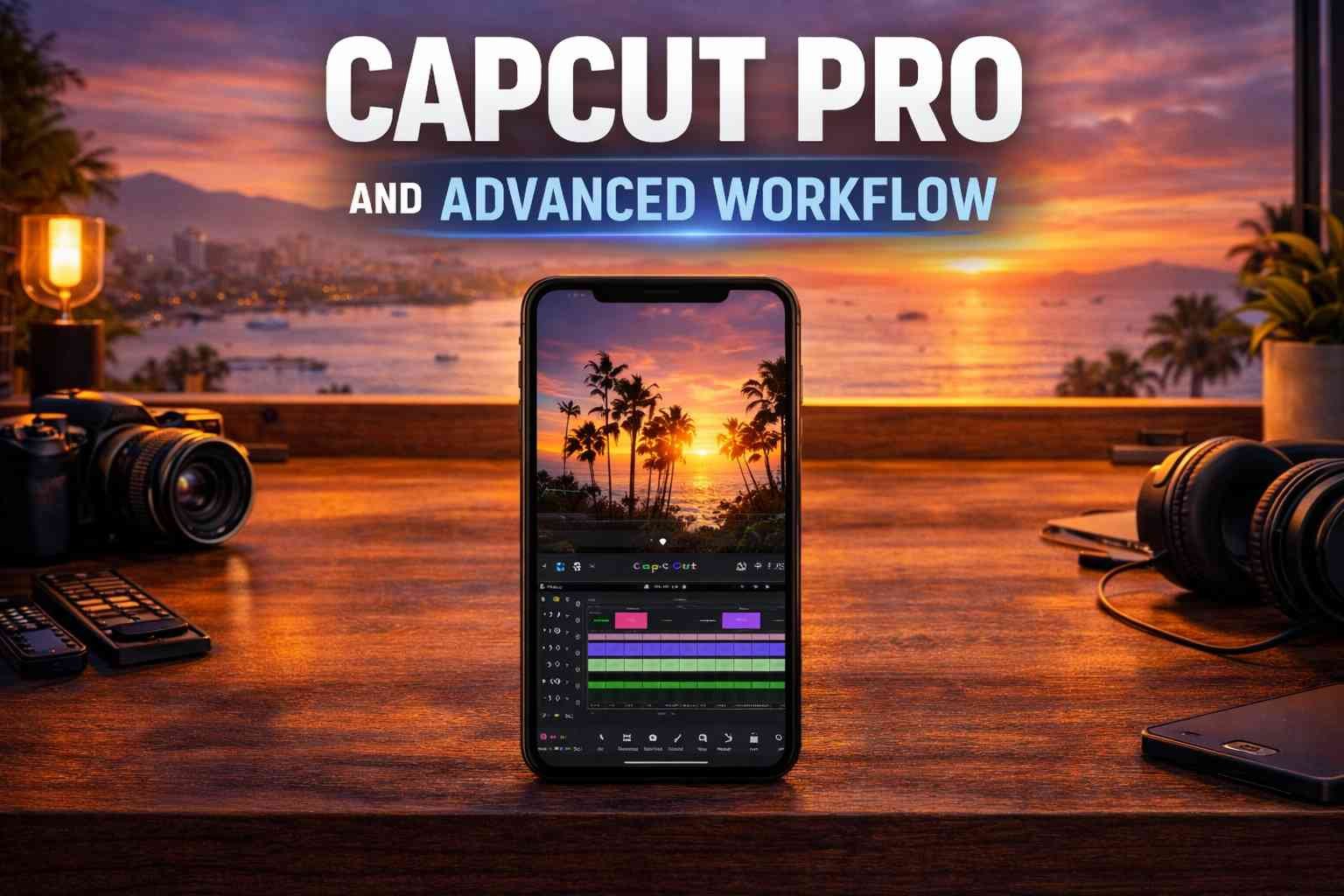
CapCut Pro and Advanced Workflow
Course Content
CapCut Workflow
-
CapCut Pro Installation
02:33 -
CapCut Pro Without VPN
-
CapCut Editing Workflow
08:28 -
How to Track Objects and Text in Video Editing
06:01 -
Using Animated Callout Titles in Videos
03:42 -
How to Use Overlay in CapCut
04:56 -
How to Create Creative Collage
00:32 -
How to Set Keyframes
04:24 -
Using the Masking Tool
05:31 -
Replacing the Sky in a Video
-
Green Screen using Chroma key tool
05:18 -
Rolling Using In CapCut
05:48 -
Setting Up the Clone Effect
02:04 -
Configuring the Hologram Effect
03:43 -
Creating a Smooth Zoom-Out Transition for Images
04:15 -
How to Make an Eye Zoom Transition
04:15 -
Creating a Railway Board Marquee Transition
06:08 -
Car Animation Documentary Editing
06:00 -
3 Layer Mirror Split Video Reel
01:48 -
Three in One Video Reel making
01:48 -
Reel Making With Infinite Painter Customized Text Any Language
06:00 -
How to Apply the Camera Shake Effect in CapCut
00:20
Student Ratings & Reviews

No Review Yet